
2012 — a fresh start. I’ve reorganized my blog categories, merged “Musings” and “Reflections,” and added a new “Internet” category for sharing Internet resources, tips, and documenting major Internet events.
For this first post of the year, let me recommend 12 tools for testing website cross-browser compatibility. When using web-based tools, you can pair them with Chrome’s built-in translation feature.
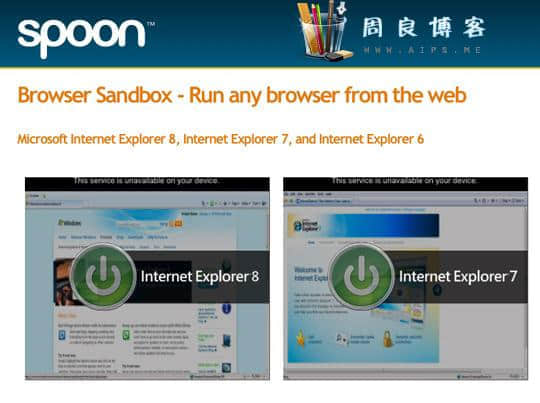
Tool #1: Browser Sandbox
Click the browser environment you want to test in, install the plugin, and you’re ready to go. It helps you test whether your pages render correctly in Safari, Chrome, Firefox, and Opera. IE used to be available too, but the site says it was removed at Microsoft’s request.
Tool #2: Superpreview
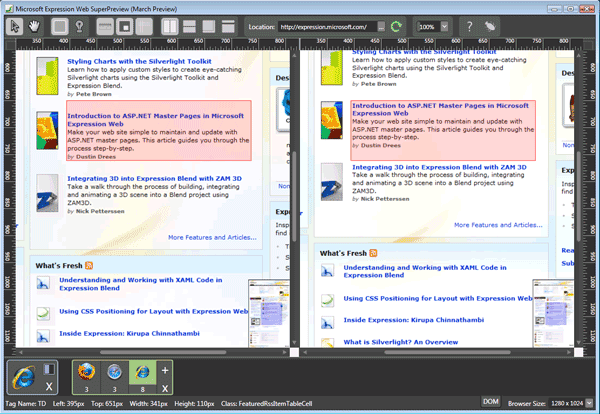
This is a cross-browser testing tool released by Microsoft. You can simultaneously view how your web page renders across multiple browsers and visually compare the layouts.
Tool #3: IETester
A tool specifically designed for testing web page compatibility across different versions of Internet Explorer, from IE 5.5 through IE 9. An excellent tool — highly recommended.

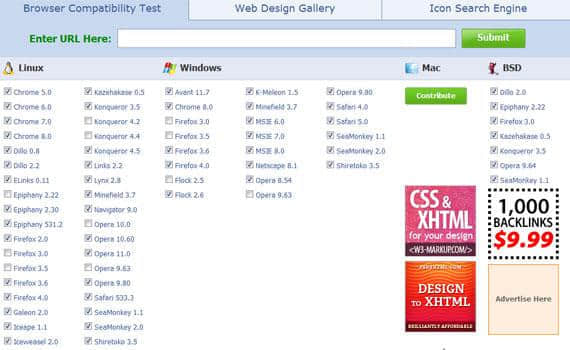
Tool #4: BrowserShots
BrowserShots is a free cross-browser testing tool that captures screenshots of your website as rendered in different browsers. It’s the most well-known and one of the oldest browser compatibility testing tools.
Tool #5: Multiple IEs
Another tool for testing web page compatibility across various IE versions.

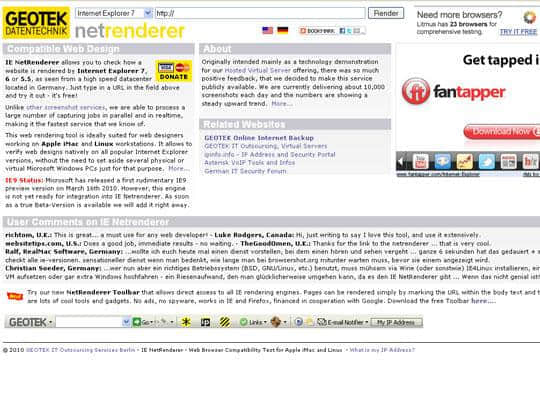
Tool #6: IE netrenderer
Netrenderer is also used to check how your website renders in various common versions of Internet Explorer.
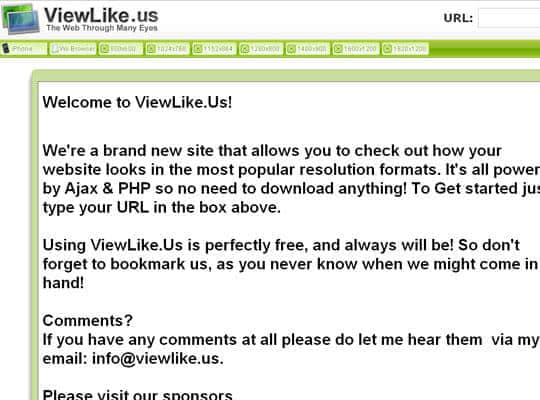
Tool #7: Viewlike.Us!
Viewlike is a newly launched tool that helps you check how your site appears at different screen resolutions.
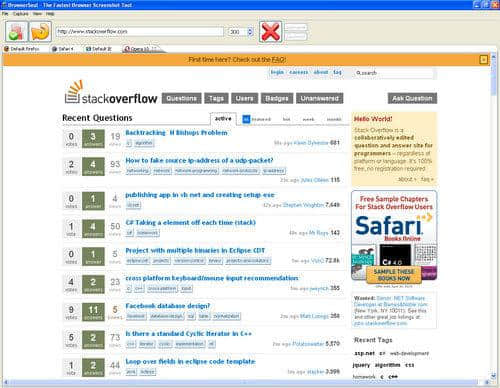
Tool #8: BrowserSeal
This tool’s two main features are standalone browser support and a command-line interface with automation scripting.
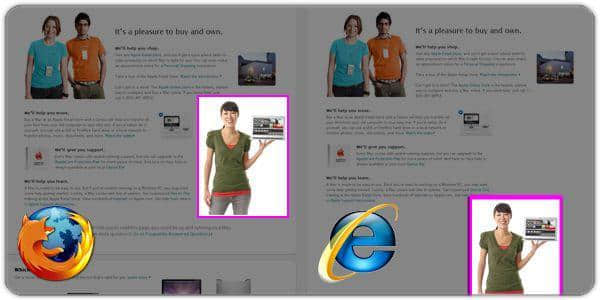
Tool #9: Browsera
Browsera is a tool for testing cross-browser layout on your website. It identifies compatibility errors on your pages.
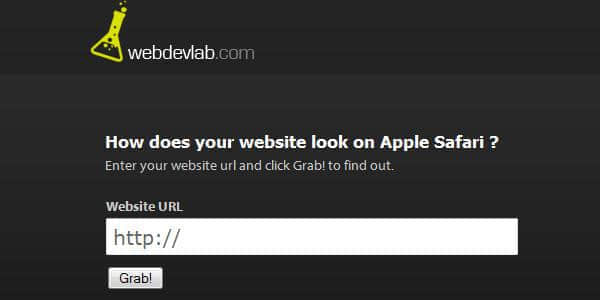
Tool #10: WebDevLab
This tool is specifically designed for testing how your website looks in Apple’s Safari browser.
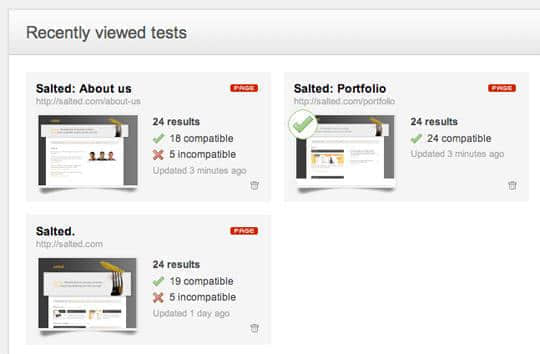
Tool #11: Litmus
This tool helps you check how your website renders across multiple browsers, track bugs, and generate reports.
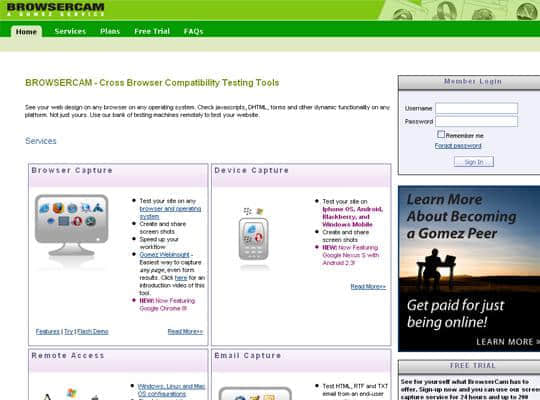
Tool #12: Browsercam
This last tool is a paid service that can test JavaScript and DHTML, offering various testing platform environments.
OK, that’s a wrap on this roundup. I think these 12 tools will be tremendously useful for everyone. When building WordPress themes, you can use these tools to test cross-browser compatibility. Fellow bloggers can also use them to check and report on how well your sites hold up across different browsers.