
From the day ChatGPT opened to the public in late 2022, I dove in headfirst. Three-plus years later, after watching the major models take turns in the spotlight, I’ve gone from treating it as “a toy that writes poems” to having it help me turn an idea into a product, and then into my first real revenue. By now AI has become the tool I use most often, invest the most in, and get the highest ROI from.
Because of that, more and more friends keep asking me the same question: how are you actually supposed to use AI?
The market is already drowning in AI tutorials, most of them selling an illusion: copy one magic prompt and you’ll turn lead into gold. The reality is that most people try it twice, decide it’s unreliable, and never touch it again.
This piece won’t teach you prompts. I’ve collected the pitfalls I fell into over these three years, along with a few habits that have actually held up, in the hope that they help friends who are still finding their footing.
What matters has never been the tricks. It’s the feel.
1. AI Has Read Every Book, But Hasn’t Worked a Single Day at Your Company
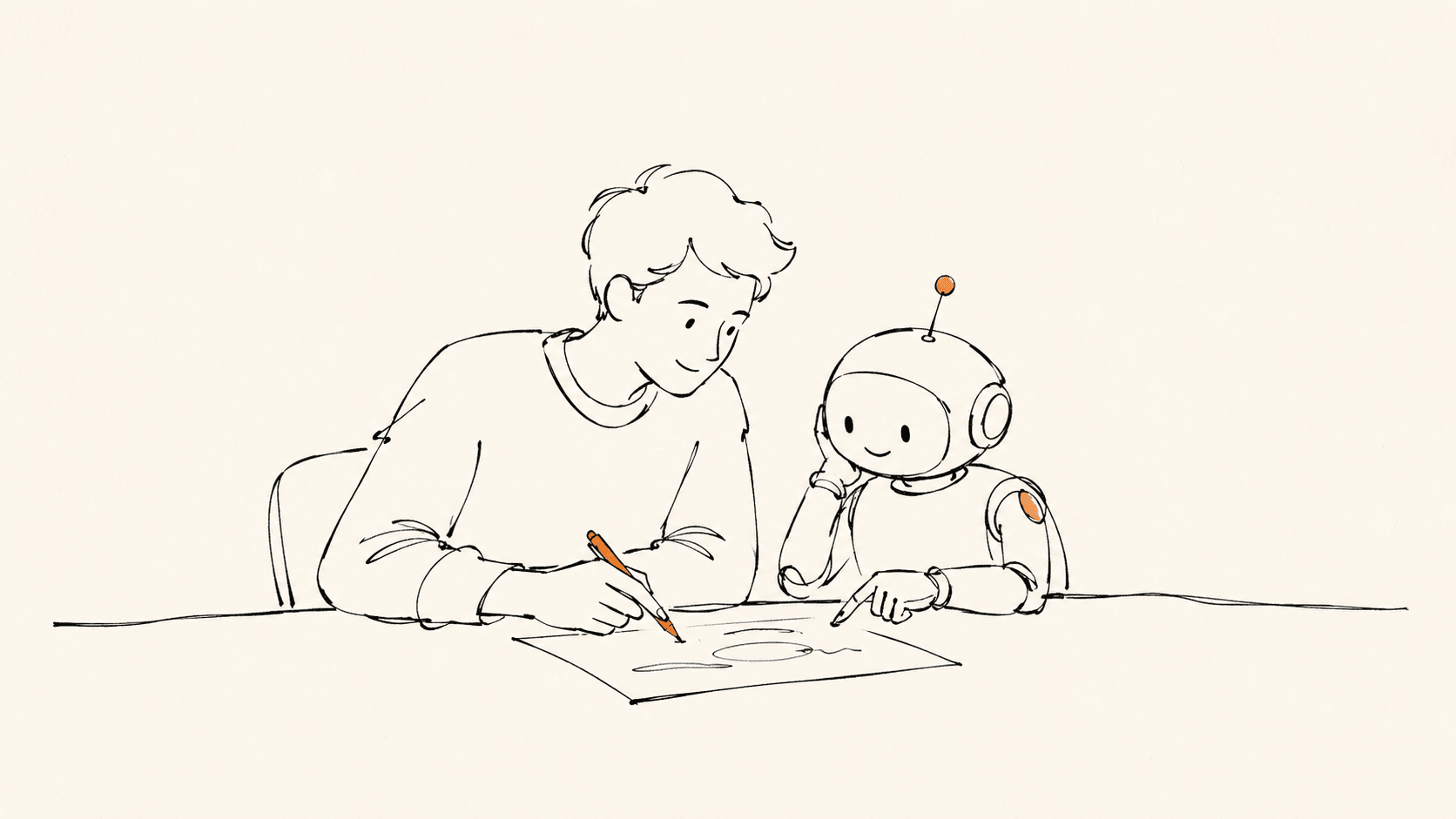
Here’s how I think about AI: a genius who has read every book and aced every exam, but has never worked a single day at your company.
Its knowledge is flawless and it’s quick on its feet. But it knows nothing about your business: it hasn’t sat in your meetings, met your customers, or learned where your resources run out, and it certainly doesn’t know what your boss decided last week.
Worse, when it doesn’t know something, it won’t say “I don’t know.” It will keep a straight face and invent an answer that looks perfectly right.
So two things matter:
- Anything beyond common knowledge, you have to feed it. Industry reports, competitor research, your own read on things, put them in first. Ask AI to generate judgment out of thin air and you’ll get filler.
- Treat it as a brilliant new colleague, not an industry expert. It can build the scaffolding and weave your raw material into readable text, but the direction and the judgment still have to come from you. This company, this client, the backstory of this particular situation, AI will never know.
Over these three years I’ve grown more and more certain of one thing: what’s truly valuable in the AI era isn’t technical depth, it’s business judgment × tool fluency. AI does the work, but you have to know what work needs doing.
2. It Will Quietly Mislead You, and the More Confident It Sounds, the More You Should Watch Out
The way AI makes mistakes is deceptive: the more confidently it speaks, the more you tend to believe it, yet there’s no real link between its confidence and its accuracy.
A few lines you have to hold:
- Anything factual, always cross-check. Names, dates, figures, citations, statute numbers, AI’s talent for fabricating these is second to none.
- Anything requiring professional judgment, AI is reference only. Legal clauses, medical advice, financial decisions, fine for preliminary research, but the final call must be signed off by a professional.
- Anything involving privacy or sensitive information, mind your data security. Company secrets, personal identities, non-public business data, don’t feed them straight into public AI services.
And some things are best not handed to AI at all:
- Fields you genuinely don’t understand and can’t verify, where you’re most likely to be taken in by its confident nonsense
- Judgments tied to critical decisions that you personally have to answer for
- Matters that lean heavily on tacit knowledge and long-term relationships, like whether to advise a friend to get a divorce
Trust, but verify. That’s been my baseline stance in working with AI, unchanged for three years.
3. AI Makes the “Super Individual” Possible
In the past, it wasn’t easy for one person to handle cross-functional work efficiently. A product manager who wanted to write their own code had to take months off to learn it; a designer who wanted to build and run a product solo had to fill in a lot of fundamentals; a content creator who wanted to do data analysis had to grind through the basics of statistics.
Every additional field meant a whole pile of fundamentals to catch up on, so the economical move was division of labor. That’s also why companies kept growing larger and teams kept getting more bloated.
AI is changing that equation.
Future competitiveness no longer depends on what “role” you hold, but on how much business you understand × how many tools you can use × how well you use them.
The following aren’t hypotheticals, they’re happening around me right now:
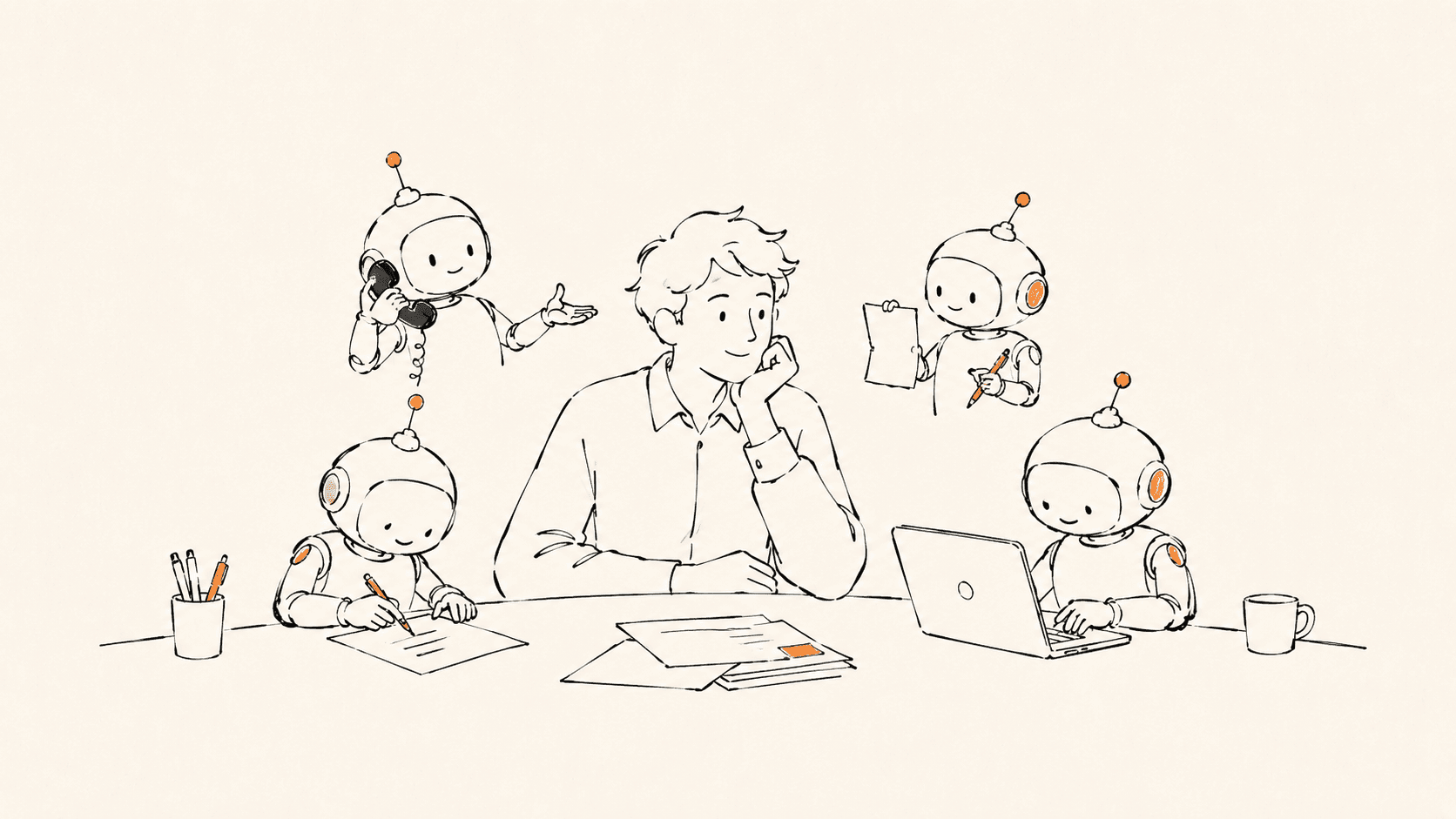
- Me: product validation that used to take 7-8 people two months, I can now run a full round of solo in 4-10 days: writing code, building prototypes, producing PRDs, writing test cases, crunching data, all of it. While working I often have a dozen-plus AI chat windows open at once (these days I mostly work in the terminal), like carrying a miniature team around with me.
- A stay-at-home mom running a network of accounts with hundreds of thousands of followers across a public account and short-video platforms, all by herself: writing, illustrating, editing, replying to comments, handling brand deals. At that scale, you used to need a whole editorial team plus an MCN agency.
- A 16-year-old high schooler who single-handedly built an app, shipped it to the app store, and crossed ten thousand downloads. That used to be work only a formally trained programmer would dare take on.
- A couple in their sixties who opened an online store from zero: sourcing products, shooting photos, writing copy, running livestreams, all themselves. That used to take an entire small company; they keep it going with one phone and one computer.
- An ordinary office worker who takes on brand consulting gigs with AI after hours, with a side income closing in on their day job. That kind of work used to require the letterhead of a consulting firm to land.
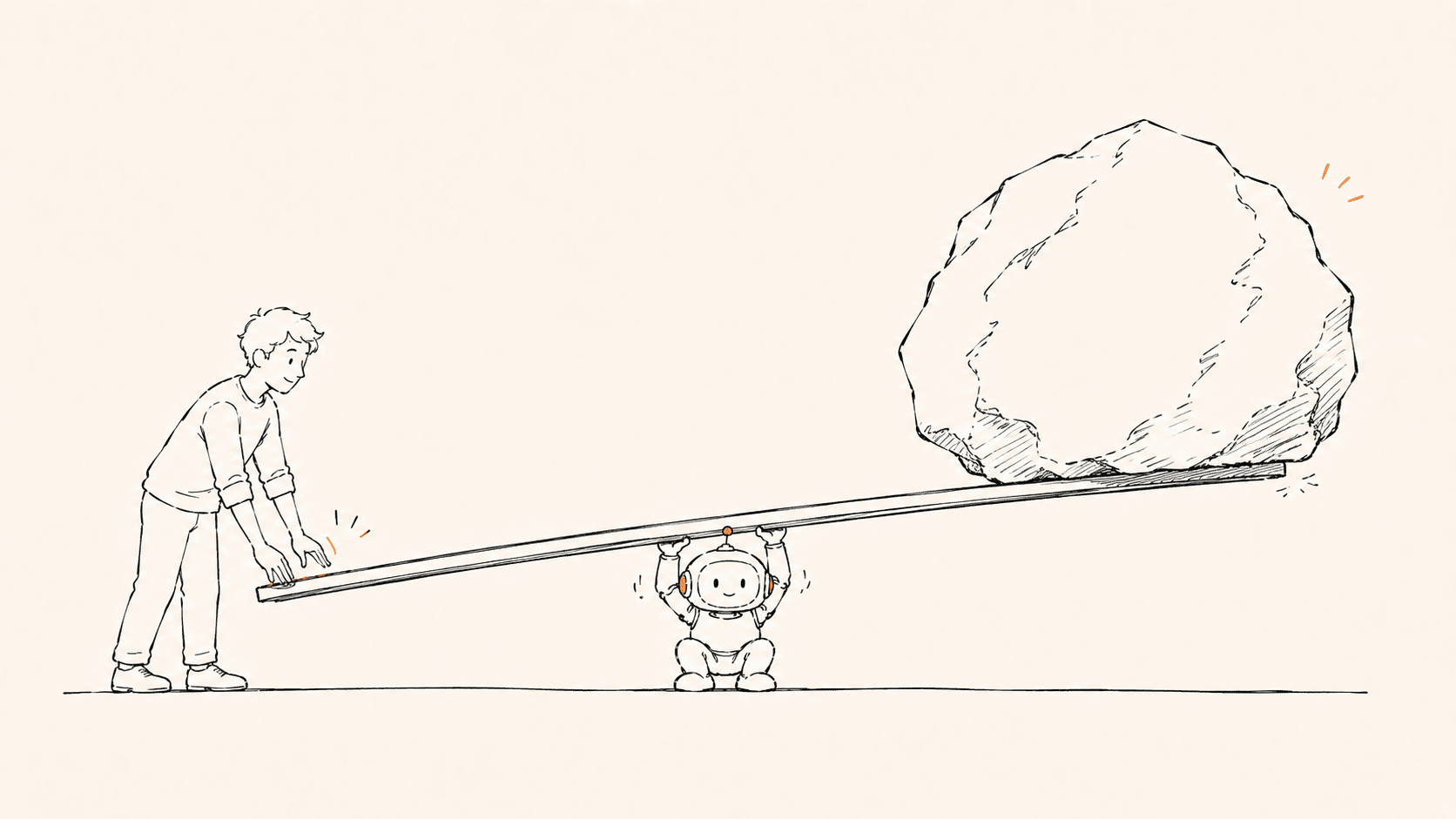
AI won’t replace teams, but it has dramatically lowered the bar for “completing something complex on your own.” It’s extending everyone’s radius of capability. You don’t need to be an expert in every field; you just need to describe the task clearly, hand it to AI, and then gatekeep the quality.
4. Don’t Make Wishes, Give Instructions
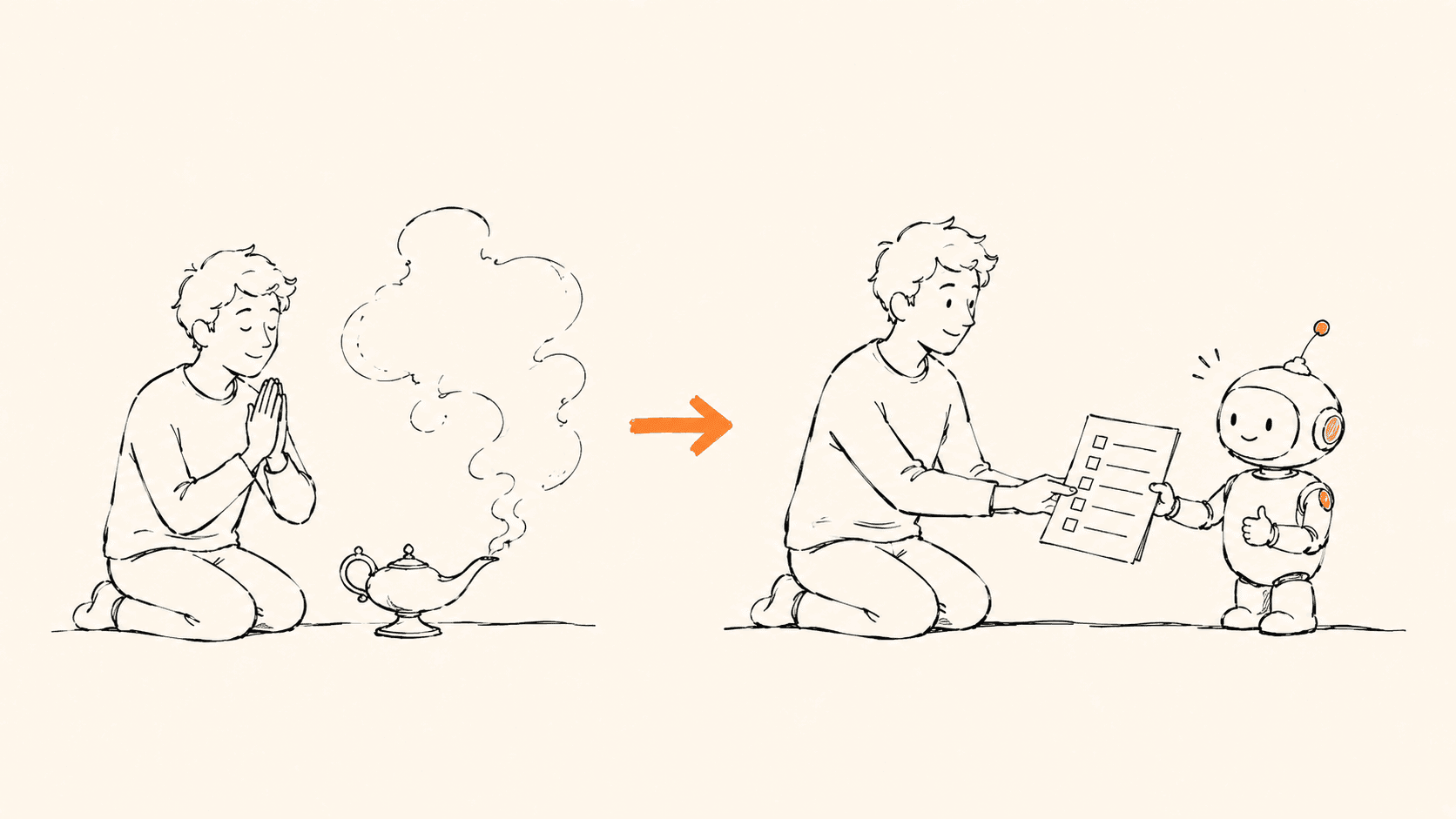
A lot of people using AI are really just making wishes:
“Write me a good article.”
“Come up with a plan for me.”
“Write a video script.”
It’s like telling a brand-new intern to “handle this well.” They have no idea what standard you want, who it’s for, what style to use, or what’s off-limits.
AI is not Aladdin’s lamp. It’s an extremely diligent colleague who doesn’t know the subtext in your head. The more your instructions read like a proper assignment brief, the more presentable what it hands back will be.
After all these years, what I’ve settled on is still the plainest template:
[Role] You are ___
[Context] The current situation is ___
[Task] Please help me ___
[Requirements] The output should ___ (length / tone / off-limits / format)
An example. Instead of “write me a meeting notice,” do this:
- Role: You are a senior administrative assistant
- Context: The company is holding its quarterly review next Wednesday, location xxxx, attendees xxxx…
- Task: Write a formal meeting notice, format requirements: xxxx…
- Requirements: Include time, place, and agenda; formal tone; under 500 words
Just those four lines of difference can take the output quality from a 40 straight to a 75.
(Plain, but it works. AI doesn’t need flash; it needs clarity.)
5. Edit Your Instructions, Not the Output
This one is especially for friends who have real professional skills.
AI hands you a 60-point draft, your fingers itch and you tweak it to 80, then the tweaking turns into a full rewrite, and finally you say “I’ll just do it myself,” and never use AI again.
I’ve watched far too many people quit this way.
The right move: when you’re unhappy with the output, don’t fix its result, fix your instruction.
- Add a clearer role definition
- Give a reference example (“mimic this style”)
- Set off-limits zones (“don’t use these words”)
- Break it into steps (“outline first for my sign-off, then expand”)
Your goal isn’t to make AI output a 100 in one shot, but to make the workflow reliably produce a 75-80; the remaining 20 is your final judgment and polish.
Iterate the process, not the result.
6. Early On, Ask the Same Question to at Least Three AIs
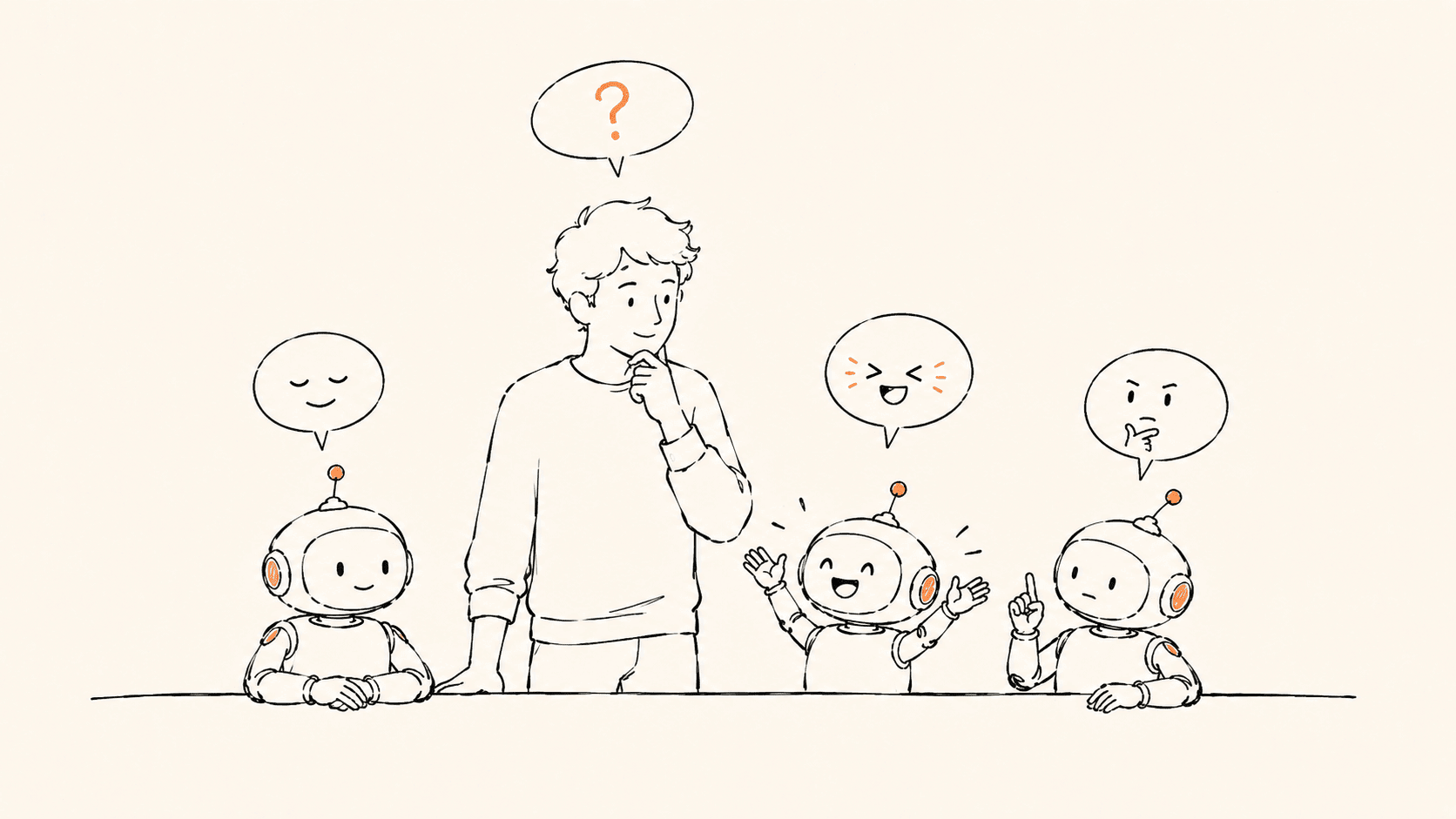
My first piece of advice for friends just getting started with AI: in the early days, throw the same question at at least three different AIs.
Every model has its own “personality”:
- Claude writes with taste and reasons solidly, but is sometimes too polite and too cautious
- ChatGPT is the all-rounder, great for divergent ideas, but prone to “making things up that sound very real”
- Gemini is strong at search integration, good for information-dense preliminary research
- DeepSeek and Kimi, the Chinese models, each have their own strengths in Chinese-language contexts
You don’t need to crown the “strongest model.” What you want is to develop a feel: knowing which task suits whom, who writes the “first draft,” who plays “reviewer.” It’s no different from managing a small team; you have to know each member’s strengths and weaknesses.
(By the way: this doesn’t contradict the previous point. Comparing multiple models early on is about “picking your people”; once you’re in a stable workflow, lock in your mainstays. The comparison isn’t a substitute for “fixing the process.”)
The process might take a week or two. But once the feel kicks in, the jump in efficiency is a step change.
7. Break Big Tasks into Small Steps
AI’s biggest strength isn’t “giving you the right answer in one leap,” but its ability to reliably complete many small steps within a process you’ve designed.
The more you ask it to knock out a complex task in one go, the more likely it is to deliver something that “looks complete but quietly cuts corners.”
Say you want AI to help write a product requirements document. Don’t say “write me a PRD.” Break it down:
- First describe the user scenario and the problem to be solved
- Output the product goals and core success metrics
- Lay out the priorities of the main feature modules
- For each module, expand into user stories / flows / edge cases
- Finally, have it review the whole thing for logical gaps
Each step is a clear, small task, and AI’s completion rate on small tasks is far higher than on “reaching the sky in a single bound.”
The essence of this approach isn’t teaching AI one all-powerful incantation, it’s teaching yourself a workflow.
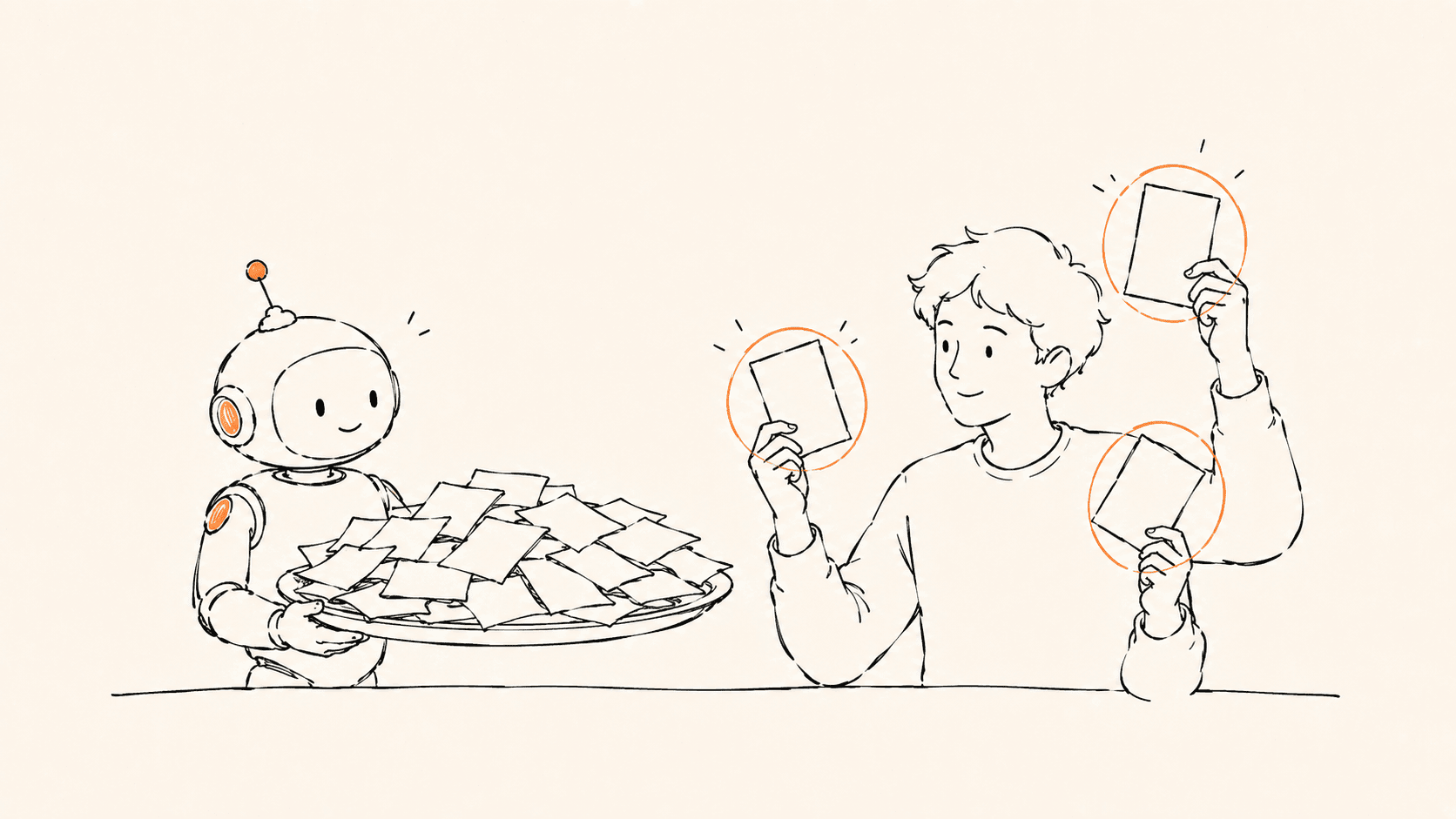
8. Have It Produce Several Versions, Then Pick
Ask AI for just one answer and what you usually get is the most middle-of-the-road, safest, most “AI-flavored” one, that even-keeled, lifeless tone where everything is correct and nothing actually lands.
My own habits:
- Writing headlines? Ask for 10 at once
- Writing a social post? Get 5 versions at once
- Brainstorming topics? Ask for 30-50 at once, then group and filter
- Naming a product? Ask for 20 at once, sorted by different styles
Fight mediocrity with volume. When you raise both the average and the output count, a few standouts naturally emerge from the distribution.
This thinking shares the same foundation as growth work on the internet: the essence of A/B testing is replacing gut calls with volume and probability.
9. Feed It Clean Material Before Putting It to Work
Many people fall into a counterintuitive trap with AI: using a 100-word prompt to demand a 3,000-word article. That’s like asking someone with no materials at all to write a paper from nothing; what comes out is bound to be vague filler.
The right approach is the reverse:
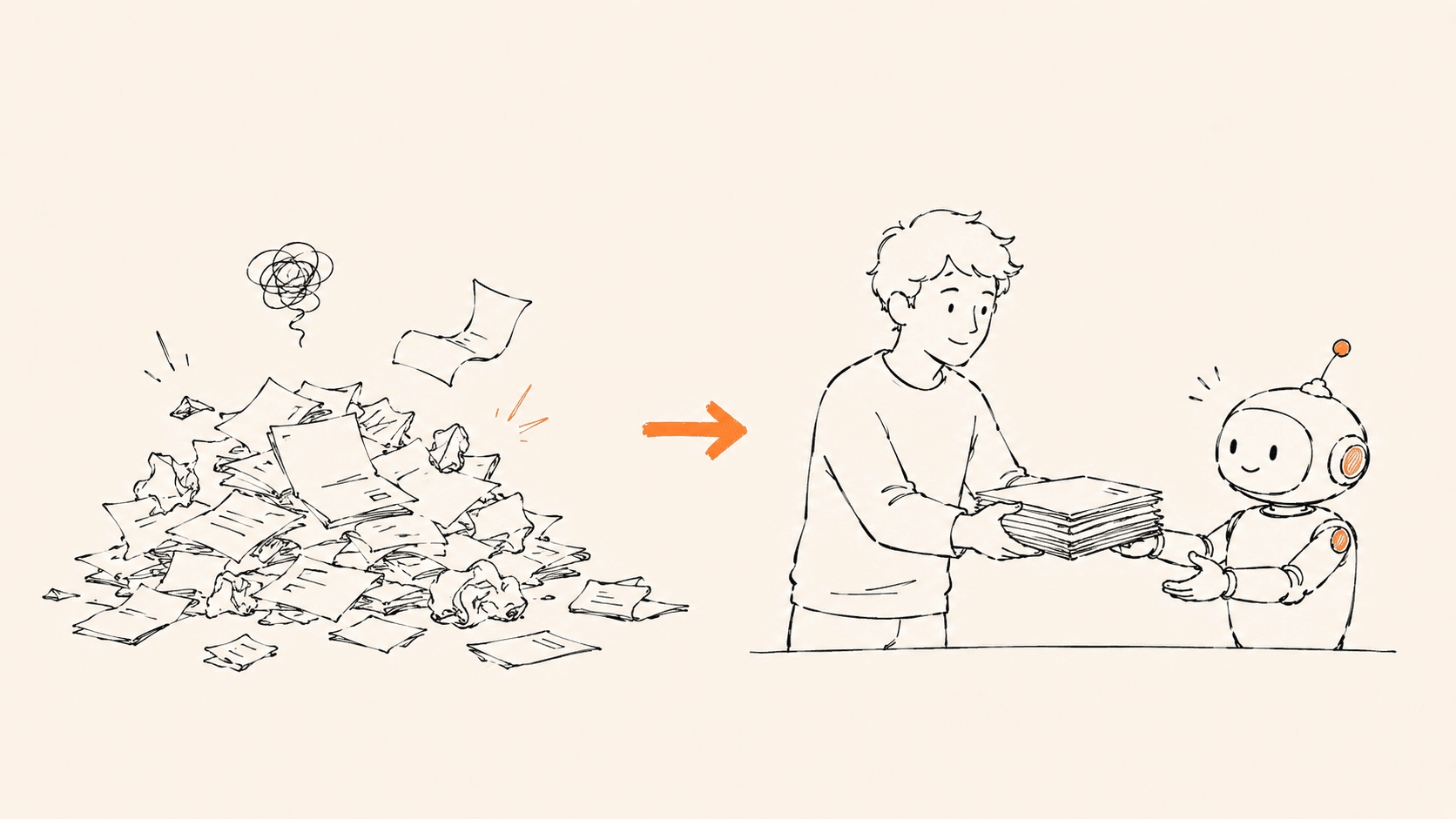
Give it a mountain of material and let it compress, distill, and organize for you.
Feed in meeting transcripts, industry reports, competitive analyses, customer feedback, and let it extract the key information, structure it, and produce a summary. Compressing is easier than expanding: squeezing 100,000 words down to 10,000, AI does well; blowing 100 words up to 10,000, nine times out of ten it’s padding.
But there’s a craft to feeding it: AI takes the path of least effort. Give it a PDF and it might skim the table of contents before it starts inventing; give it a web link and it might never actually finish reading.
So you have to do a bit of the “grunt work” for it:
- PDFs and web pages: convert them to plain text or Markdown first; strip out the navigation, ads, and formatting noise
- Long articles: split them up manually and tell it explicitly, “here is part one, handle this part first”
- Image content: supplement it with text descriptions; AI understands images far less well than text
Put in a little preparation and AI’s intellectual output gets a lot sharper. Just like handing an intern a tidy, organized briefing pack, their work naturally goes faster.
10. Start with the Small Problems Around You
Don’t start out thinking “let AI restructure my entire business.” Starting with the small problems right next to you is a far more reliable opening.
General use cases:
- Cleaning up meeting notes: drop in the transcript and have it distill the key points and action items
- Polishing an email: give it your draft and tell it the audience and tone
- Quickly getting up to speed on an unfamiliar field: have it explain things “like you’re a beginner”
- Batch-generating headlines / copy: give it examples and requirements, get 10 at once, then pick
- Writing Excel formulas: describe what you want in plain language and let it write the formula and organize the report for you
- Translating or rewriting: turn Chinese into an English business email, or technical docs into product copy
A “first task” tailored to different friends:
- In sales: drop in the client company’s website, their last 10 social posts, and their latest article, and have AI list 3 conversation angles and the pain points they might care about
- In content: feed in your 10 most-read articles, have AI summarize your style profile, then use that profile to generate new topics
- In product: scrape the review sections of competing apps and have AI sort out “what users complain about most and love most”
- Just curious: pick a book you’ve wanted to read but never had time for, and use AI as a study partner, walking you through one chapter a day plus 3 discussion questions
Each small task saves you 15-30 minutes. Do three or four a day and that’s an hour or two. The more you use it, the better your feel gets, and the clearer you become on when to use it and when not to.
11. Start Now, Don’t Wait for “Better AI”
Watching countless AI products rise and fall over these three years, one pattern is crystal clear:
The people who truly benefit from AI are the ones who started using it while it was still “not good enough.”
Don’t wait for the perfect model, don’t wait for best practices to settle. AI gets a major upgrade every few months, but the “feel” of working with it can only be built up slowly over time:
- Knowing which tasks are worth handing to AI
- Knowing how to describe a need to get a good result
- Knowing when to push back with follow-ups and when to switch models
- Knowing when to just do it yourself
There’s no shortcut to this experience. You only get it by using it.
Models will iterate and tools will update, but your understanding and command of AI is an asset that’s truly yours. Just like learning computers twenty years ago or smartphones ten years ago, the earlier you start the more you gain, and the more you use it the smoother it gets.
Final Thoughts
AI is neither magic nor a scam. It’s a tool that’s rapidly getting stronger.
Like every tool, what it amplifies is the user’s own ability. If you have good judgment, good taste, and a good grasp of the business, AI can magnify all of that tenfold; conversely, if you have none of that and only make wishes at it, all it can hand back is a pile of plausible-sounding nonsense.
Material × Taste × Tool Fluency
That’s the real output formula for a person in the AI era.
I hope this was useful. If you have questions, reach out anytime.
Comments