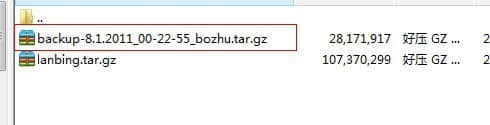
Website data may not be extensive, but losing it would be a real headache. So I found this backup script from Lanbing. Many scripts published online are broken and simply don’t work, so I hope this tutorial proves useful for you.
You can download the script here: CP Full Backup.zip (Original author’s link)
This script only supports cPanel — it does not work with DirectAdmin (DA) panels.
Place the file in the /home/xxx/ directory, where xxx is your username. This directory is not publicly accessible. Remember to update the configuration values inside the script.
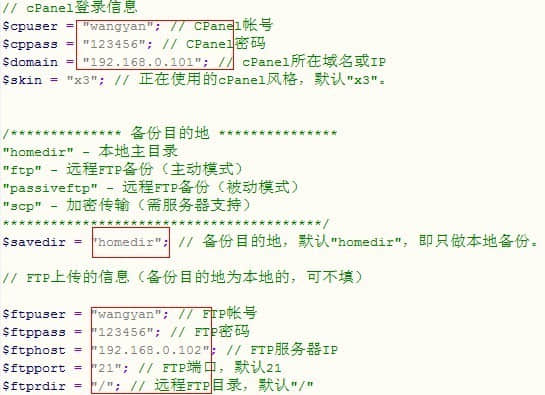
If your cPanel uses SSL access (i.e., https and port 2083), remember to modify the following:
// Secure mode $secure = 1; // 0 for standard http, 1 for ssl (requires host SSL support)
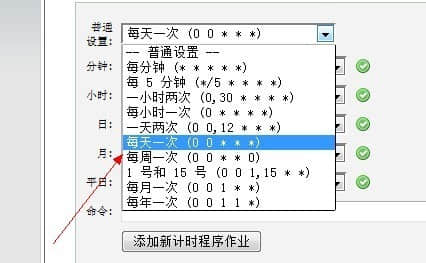
Set the cron job to run once daily. The command is /usr/bin/php -q /home/xxx/fullbackup.php (where xxx is your username). That’s it — every day around midnight you’ll receive a notification email, and you can check the backup on your FTP server.